A possible direction
Production kits built around one recording job
Build one recording bundle around a real room, then use compatibility checks and a five-user pilot to refine it.
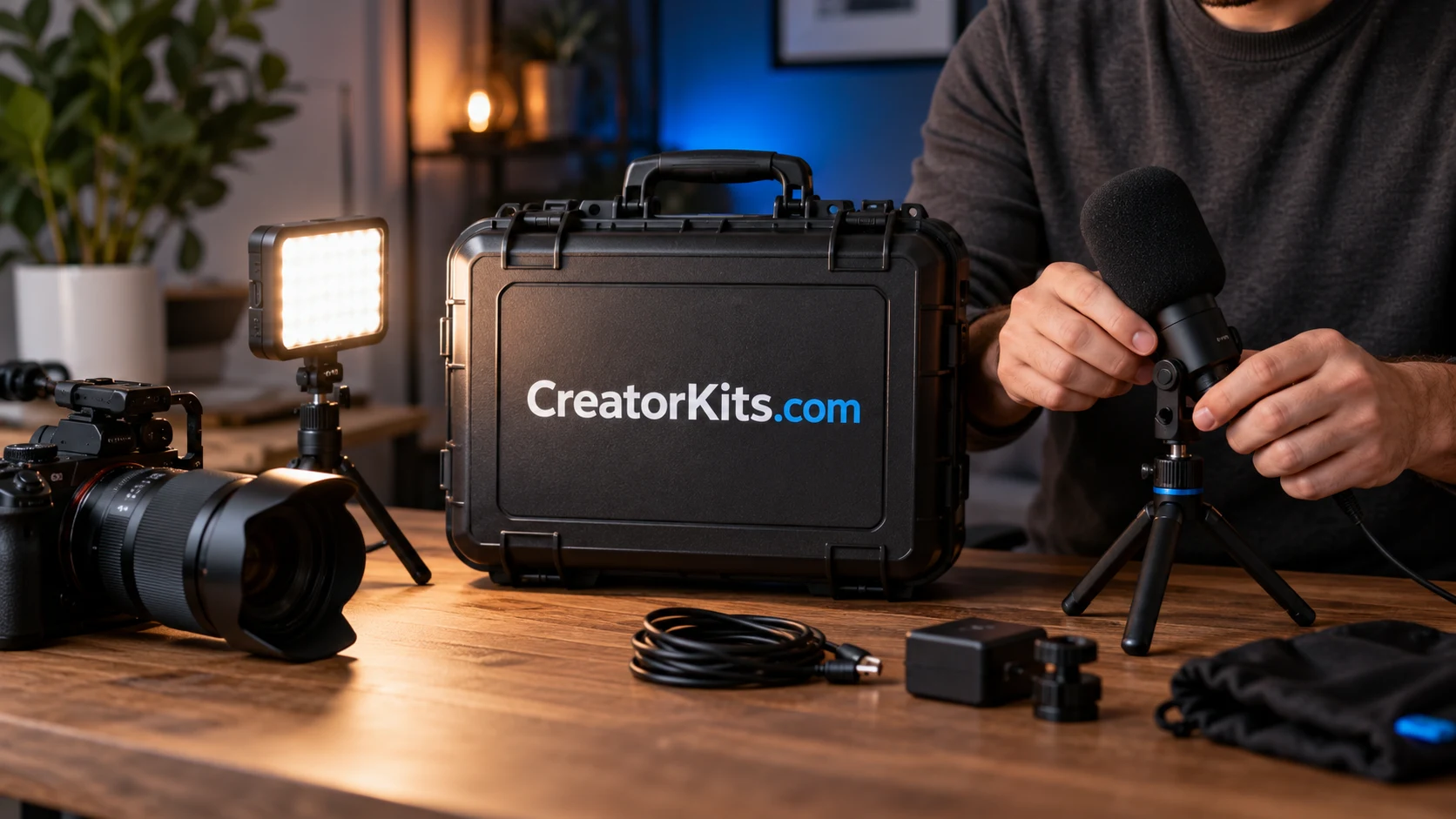
A useful production kit begins with a recording situation, rather than a list of popular equipment. An independent teacher filming at a desk has different constraints from a creator recording interviews in borrowed rooms. CreatorKits.com could become a focused retailer that selects a complete setup for one of those situations and explains how the parts work together. The business described here is an illustrative concept, not an existing offer.
Choose the room before the range
The first customer could be a solo instructor recording short lessons from a home office. That person may already have a computer and a camera, but still needs dependable sound, a practical light position and a setup that can be put away between sessions. Define those starting conditions on the product page. If the bundle assumes a particular connection or power source, say so before someone orders.
A first offer might contain a USB microphone, a desk stand, one adjustable light, the required cables and a short setup guide. Each component needs a reason to be there. The stand has to fit the desk and support the microphone. The light has to suit the available space. A cable that is technically compatible but too short for the recommended arrangement creates a problem the customer should not have to discover after unpacking.
Make compatibility a visible part of the product
Build a compatibility sheet before sourcing a large quantity. Record the microphone connection, required ports, supported operating systems, power needs, stand attachment and cable lengths. Identify which specifications come from the manufacturer and which arrangements have actually been tested. A check mark should have a defined meaning. “Fits the included stand” is narrower and more helpful than “works with everything.”
Software setup belongs in that picture too. The official OBS quick-start guide covers adding sources, selecting audio devices and making a test recording. A retailer could link customers to that maintained documentation while supplying its own instructions for the included equipment. The guide does not establish that a proposed bundle is compatible; the seller still has to check the actual parts and intended setup.
A worked first bundle
Imagine a lesson-recording package designed for a small desk. The guide starts with a photograph of the complete arrangement, then asks the user to connect the microphone and confirm that the intended input is selected. It shows where the light can sit outside the camera frame and where cables should run so the desk remains usable. A final check asks for a short recording, followed by playback with headphones.
The product description should name the outcome carefully: a tested arrangement for recording a seated lesson under the stated conditions. It should identify what the customer supplies, such as a computer, compatible ports and recording software. It should also explain the limits. A small desk light cannot solve every room-lighting problem, and a microphone cannot remove every source of background noise. Honest boundaries make the instructions more useful.
Test in a room that is not yours
The first pilot can be small. Give the assembled package to five people who match the intended customer. Ask each to record a short explanation at their own desk using only the supplied instructions. Observe where they pause, which connection they question and whether they can identify the correct audio input. Do not count a successful recording if the observer had to complete the setup for them.
Afterward, separate product problems from instruction problems. If every user needs an adapter that was not included, rewrite the offer or add the adapter after checking it. If people connect the correct cable but miss the input selector, improve that step. If a stand does not fit common desk arrangements in the pilot, reconsider the mounting approach. Keep the record specific enough that a supplier or writer can act on it.
Reach customers through useful demonstrations
A credible distribution path is a series of short setup demonstrations for the selected customer. Show the actual desk footprint, the packed contents and the test recording process. An instructor community, an education newsletter or a creator who teaches recording basics could be a relevant place to introduce the package. Any paid relationship should be explained clearly. A demonstration should show the included setup rather than imply results from unrelated equipment.
The support experience needs the same focus. Publish a diagram of the connections, a list of included items and a route for reporting a missing or damaged part. Keep manufacturer warranty information distinct from the retailer’s own service terms. Before launch, decide who handles a return containing one opened component, and how replacement stock will be managed. Those decisions affect the economics more directly than adding another attractive accessory.
Use returns as product evidence
Create a simple reason log for pilot feedback and later returns: physical fit, connection mismatch, missing part, unclear instruction, damaged item or changed requirement. Keep the customer’s explanation alongside the category. A label alone can hide the actual issue. “Compatibility” might mean the wrong port, a cable-length problem or a software setting that was never explained.
Review that log before broadening the range. A second kit should solve a different, observed recording situation. Releasing three nearly identical packages can make selection harder and multiply support work. The name fits a family of carefully selected offers, but the family earns its usefulness one setup at a time.
Take the concept one step further
Write the proposed contents and starting conditions on one page, then test one microphone-and-light bundle with five intended users. That is a practical next move before committing to inventory or a full shop. A buyer interested in developing this direction can inquire about acquiring CreatorKits.com. The domain acquisition would be separate from sourcing equipment and establishing the proposed business.
A name for what comes next
Make CreatorKits.com your next move.
Explore an acquisition or discuss a partnership.